
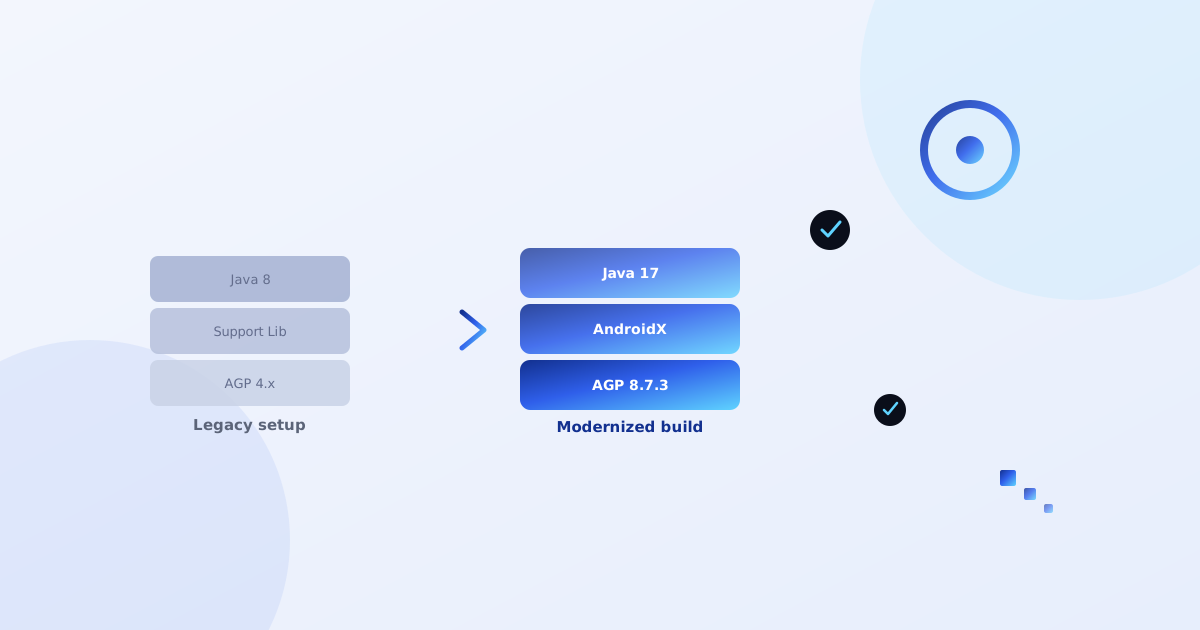
A lot of Android apps that are still earning money were started years ago — on Support Library, older Gradle versions, and Java 8. They still work, but every new SDK release, every Play Console policy update, and every new device makes them a little more fragile. At some point, migrating isn't optional anymore.
We've done this migration repeatedly across a portfolio of production apps — moving from Support Library and AGP 4.x up to AGP 8.7.3, Gradle 8.9, Java 17, and compileSdk 35. It's rarely a clean, one-command upgrade. Here's what actually breaks, in the order you'll usually hit it.
1. Non-transitive R classes
Newer AGP versions default to android.nonTransitiveRClass=true, which means modules no longer automatically see every resource from every other module. Old code that references resources without qualifying which module they came from will fail to compile.
Fix: qualify ambiguous resource references fully — for example, use fully-qualified style references like androidx.appcompat.R.style.* instead of bare R.style.* where the resource actually lives in a library module.
2. JCenter is gone
If your build.gradle still points at JCenter, your build will fail outright — JCenter has been shut down for years now. Any dependency that was only ever published there needs a new home.
Fix: replace JCenter with Maven Central and, for anything abandoned or JCenter-only, JitPack. For example, a library like com.wang.avi:library that never got a proper Maven Central release can often still be pulled via JitPack's master-SNAPSHOT.
3. Local modules need their own namespace
AGP 8 requires every module, including small local ones (like an embedded WebView or ad-blocking module), to declare its own namespace in build.gradle rather than inheriting one implicitly from the manifest.
android {
    namespace 'com.yourapp.adblockwebview'
    compileSdk 35
    ...
}
4. Transitive dependency exposure changes
Dependencies declared with implementation aren't exposed to modules that depend on your module — only api is. If another module needs to see a dependency like swiperefreshlayout transitively, it needs to be declared as api, not implementation, or you'll get confusing "class not found" errors in unrelated modules.
5. Deprecated AdMob and lifecycle APIs
Two deprecations show up constantly in older codebases:
InterstitialAd.load()with the newFullScreenContentCallbackpattern replaces the old static interstitial loading APIs.onBackPressed()is deprecated in favor ofOnBackPressedDispatcher— this one is easy to miss since the old method still technically compiles, it just triggers warnings and eventually breaks on newer AndroidX versions.
6. Dependency pinning matters more than you'd think
Some libraries need to be pinned to a specific version rather than left on + or an old range — we've hit this with sqliteassethelper, which needs to be explicitly pinned to 2.0.1 on Maven Central for a clean build under the new tooling.
Also worth doing while you're in there: if your app builds raw SQL queries with string concatenation anywhere, migrate them to parameterized queries. It's unrelated to the AGP migration itself, but a full rebuild is the natural time to close that kind of gap.
A rough migration order that avoids the worst pain
- Update Gradle wrapper and AGP version first, before touching anything else — get the project to build (even with errors) on the new tooling.
- Fix namespace declarations module by module.
- Replace JCenter references and resolve any now-broken dependency resolutions.
- Fix non-transitive R class errors as they surface — usually clustered in shared UI modules.
- Move Support Library imports to AndroidX equivalents (Android Studio's built-in "Migrate to AndroidX" tool handles most of this automatically).
- Address deprecated API warnings last, once the build is green — these rarely block compilation immediately, so they're safe to batch at the end.
The takeaway
None of these issues are individually hard — but they compound, and the error messages Gradle gives you are rarely specific about which of these six categories you're actually looking at. Working through them in a consistent order, rather than chasing whichever error appears first, is what keeps this from turning into a multi-day debugging spiral.