
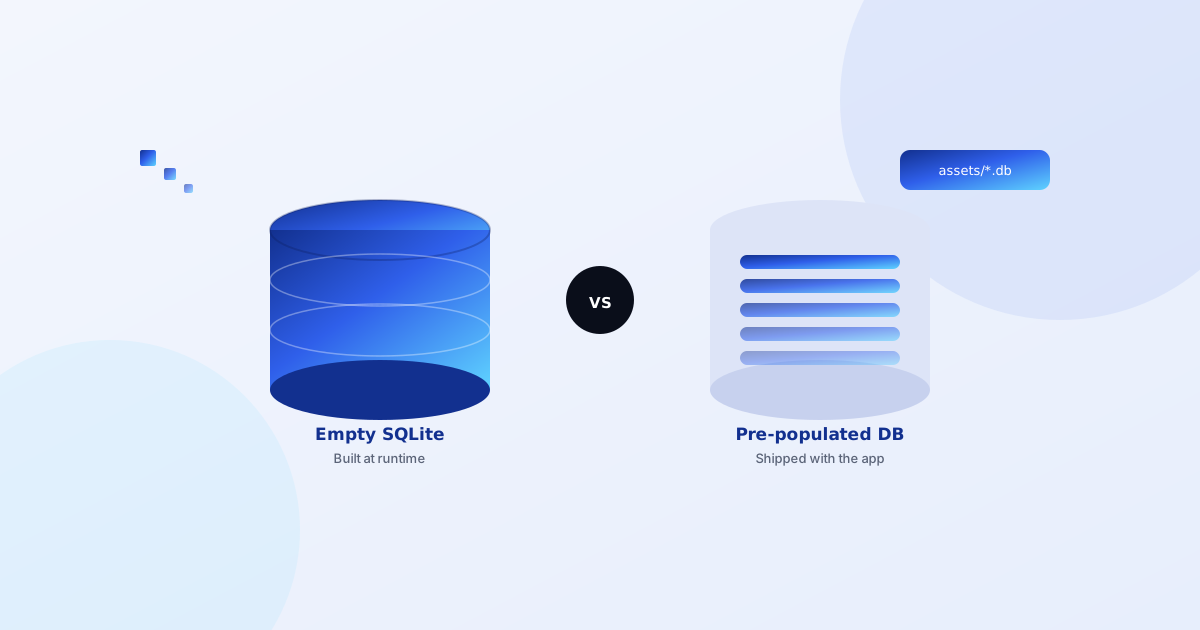
This question comes up constantly when building content-heavy Android apps — ringtone libraries, offline dictionaries, recipe collections, devotional audio apps. Do you create an empty SQLite database and populate it with INSERT statements the first time the app runs, or do you ship a ready-made database file as an asset and copy it into place?
We've built both approaches across different apps, and the honest answer is: it depends on how much data you're shipping and how often it changes.
Runtime-built SQLite: when it makes sense
Creating the database with SQLiteOpenHelper and populating it programmatically on first launch works well when:
- The dataset is small — a few dozen to a few hundred rows insert fast enough that the user never notices.
- Content needs to be dynamic — user-generated data, favorites, download history, or anything that changes per-user from day one.
- You want tight control over schema versioning —
onUpgrade()migrations are more predictable when you built the schema in code to begin with.
The downside: for larger datasets, first-launch insertion can visibly delay startup, and you're maintaining your seed data as SQL or code rather than as a portable file.
Pre-populated database: when it makes sense
Shipping a ready-made .db file as an asset — copied into the app's database directory on first run — works better when:
- You have a large, mostly-static dataset — hundreds or thousands of ringtones, bhajans, articles, or dictionary entries that don't change per-user.
- The content was easier to prepare externally — built once in a desktop SQLite tool or exported from a spreadsheet, rather than hand-written as insert statements.
- Startup speed matters — copying a file is faster than running hundreds of individual insert statements.
In practice: for a devotional ringtone app with a large curated audio library, a pre-populated database shipped as an asset made far more sense than inserting rows at runtime — the content was fixed at build time and copying the file was both faster and simpler to maintain than a first-run seeding script.
The library that makes pre-populated databases easy
sqliteassethelper handles the boilerplate of copying a database from your assets folder into the app's private storage on first run, and manages versioning so updates to the shipped database file get applied correctly on app upgrades.
dependencies {
    implementation 'com.jjoe64:sqliteassethelper:2.0.1' // pin to this exact version
}
One practical note from recent migrations: this library needs to be pinned to a specific version — 2.0.1 resolved cleanly from Maven Central for us after JCenter (where it used to live) was shut down.
A hybrid approach works too
These aren't mutually exclusive. A common pattern: ship a pre-populated database for your large static content library, and create a second, smaller runtime-managed database (or additional tables) for user data like favorites, play history, or downloaded items. This keeps your static content easy to update between app versions without touching user data at all.
The takeaway
Choose based on the shape of your data, not habit. Small and dynamic → build it at runtime. Large and mostly static → ship it pre-populated. Most content-heavy apps end up needing both.