
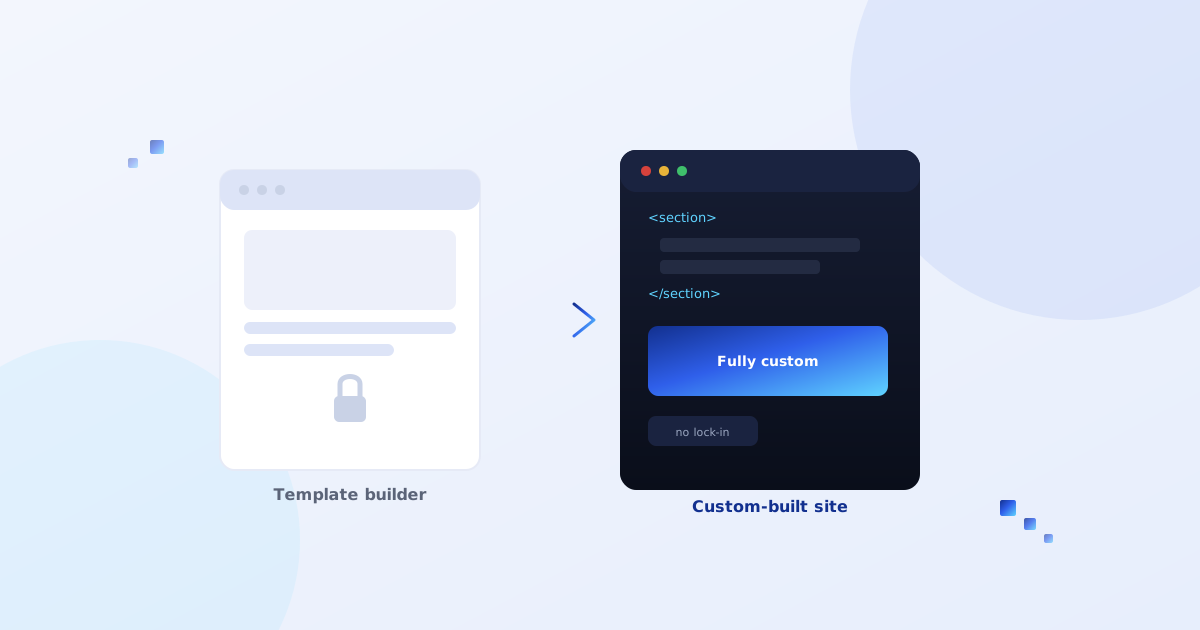
We get this question from a slightly different angle than most of what we write about — it's rarely "should I build a website," it's "I already have one, and something about it is starting to bother me, but I don't know if that's a real problem or just a phase." Usually it's a real problem. Here's how to tell.
What Wix and Squarespace are actually good at
Worth saying plainly, since a lot of "why you should leave Wix" content pretends otherwise: for a huge number of businesses, a site builder is genuinely the right tool, not a compromise. If you need a clean site up fast, don't have design or development staff, and your needs are mostly "look professional, list what we do, let people contact us" — that's exactly what these platforms are built for, and they do it well. Nothing below is an argument that everyone should leave. Most people shouldn't, yet.
The actual signs you've outgrown it
- You're fighting the template, not using it. If getting a specific layout or interaction working means stacking workarounds, third-party embeds and CSS hacks inside a page builder that wasn't designed for it, you're spending real time and money to simulate custom development badly, instead of just doing custom development properly.
- Page speed has become a real problem. Site builders carry a lot of platform overhead that a lean custom build simply doesn't have. If your site is visibly slow despite reasonable content, and you've already trimmed images and apps, you're bumping into a platform ceiling, not a content problem.
- You need something the platform's app marketplace can't really do. Custom business logic, a non-standard integration, a genuinely unique interactive feature — if you're duct-taping three different marketplace apps together to approximate one custom feature, that's usually more fragile and more expensive over a year than building it properly once.
- Monthly costs have quietly crept up. Base plan, plus the apps you added, plus a premium email add-on, plus transaction fees if you're selling anything — it's common for this to add up to more than hosting a custom site would cost, without anyone noticing because it happened one small add-on at a time.
- You're thinking about scale you don't have yet, but will. If there's a real, funded plan for significant e-commerce volume, multiple integrations, or a product roadmap beyond "marketing site," building on infrastructure that can actually grow with you is worth planning for before you're migrating under pressure.
A test worth running before anything else: list every workaround, hack, or "we just live with it" annoyance on your current site. If that list is short, you probably don't need to migrate — fix those specific things instead. If it's long and keeps growing, that's the real signal, not any single item on it.
What migration actually involves
This is usually more work than people expect, and less risky than people fear, if it's planned properly:
- Content and structure audit — every page, post, product and image gets accounted for and mapped to where it'll live on the new site, not just exported and hoped for.
- URL mapping and 301 redirects — this is the step that protects your search rankings. Every old URL needs to redirect to its new equivalent, or you lose the SEO value you've already built, sometimes permanently.
- Design rebuild, not a straight copy — a good migration is a chance to fix what wasn't working, not just recreate the same template in code.
- Forms, integrations and email — anything connected to your site builder's built-in tools (forms, bookings, email marketing) needs a replacement that does the same job on the new platform.
- A staging period before DNS cutover — the new site gets built and tested on a separate URL first, so the switch itself is a quick DNS change rather than a live rebuild with your business exposed mid-way through.
What you gain, concretely
Full control over performance and code, no monthly per-app fees stacking up, no platform-imposed limits on what you can actually build, and — this one matters more than people expect — you own the whole thing outright, with nothing that disappears if a platform changes its pricing or policies.
Where we fit into this
How CodeGIF Developers handles a migration like this
If this is starting to sound like your situation, here's specifically how we approach it — not a generic "we'll rebuild your site" pitch.
The takeaway
Leaving Wix or Squarespace isn't a milestone every growing business has to hit, and it isn't a failure to still be on one either. It's worth it when the platform is actively costing you more — in time, in workarounds, in fees, or in what you can't build — than a custom site would cost to run instead. If that's not where you are yet, the honest answer is to stay and fix the specific things that bother you. If it is, the migration itself is very manageable when it's planned properly.